Key Takeaways
- Excel fails as a PM tool at scale not because it's bad software but because it's infinitely flexible — which means no structure, no shared truth, no audit trail.
- The biggest migration mistake is choosing the wrong type of tool — task tracker vs financial PM are different products solving different problems.
- Migrate one project at a time; run parallel for four weeks before decommissioning any spreadsheet.
- Train the people who enter data, not just the people who read reports.
- The goal is not to replicate Excel — it's to replace what Excel was compensating for.
Most project-based businesses don't decide to run on Excel. It just happens. Someone builds a task list, adds a cost column, shares it with a colleague, and three months later there's a twelve-tab file that seven people depend on and nobody fully understands. The migration away from that setup is one of the most predictable software transitions a business will make — and one of the most frequently mishandled. Teams go wrong at the same decision points every time.
Why Excel Is So Hard to Quit
The case for staying in Excel is genuine. It does exactly what you tell it to. Everyone already knows how to use it. There is no monthly subscription, no vendor lock-in, no forced update that breaks a formula you built three years ago. That flexibility is real, and it is worth acknowledging before trying to replace it.
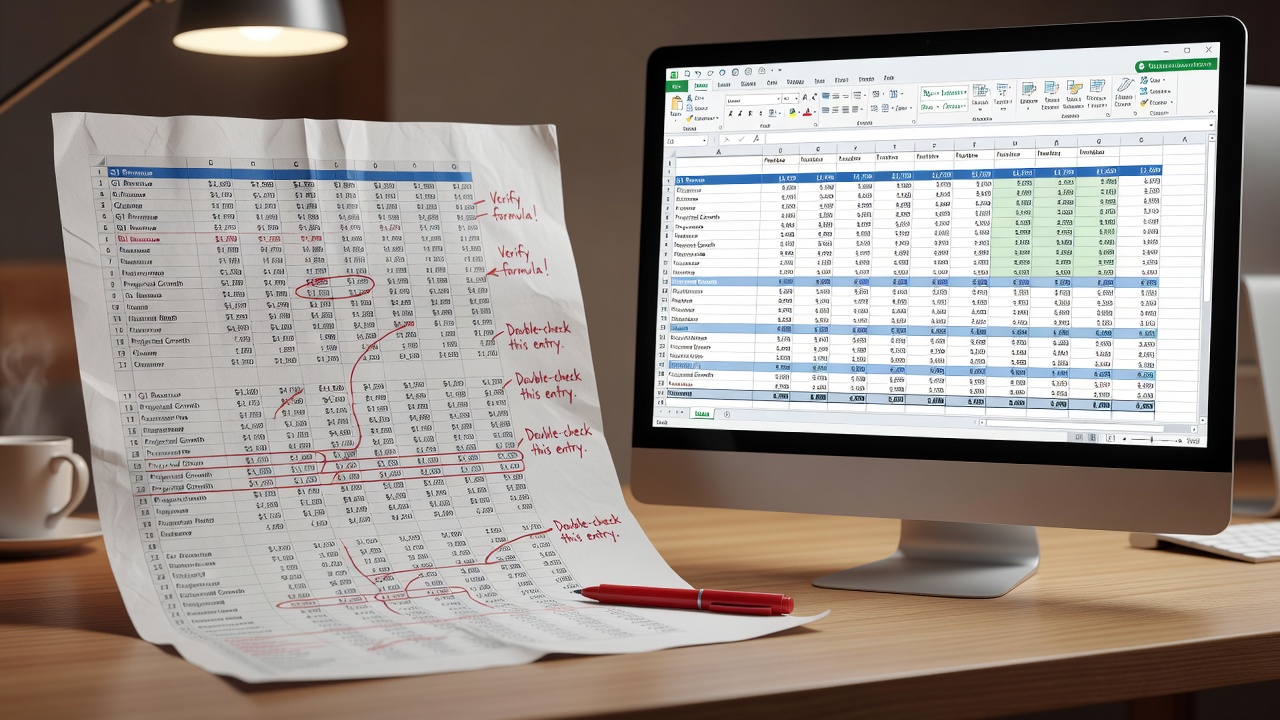
The problem is that flexibility without structure is the same as no structure at all. When one person owns a spreadsheet, they carry the logic in their head. When five people share it, each maintains slightly different versions of the truth. When someone updates a formula in column G but not columns M and Q, the discrepancy sits quietly until a client meeting forces the reconciliation. And when a file is overwritten and saved — which happens — there is no version history, no audit trail, and no recovery path. These are not edge cases. They are the predictable failure modes of using spreadsheets for team-level project tracking.
When to Move
Five signals that the setup has hit its limit: more than five concurrent projects in flight; more than one person maintaining the same data; more than two hours a week spent manually compiling reports from multiple files; at least one reconciliation error where two people's versions contradicted each other; data lost to an overwritten file. Any one of these is a serious warning. Two or more, and the cost of staying in Excel exceeds the cost of migrating.
Choose the Right Type of Tool First
The most expensive mistake in any migration is selecting the wrong category of software. Task management and financial project management are not the same thing, and the tools built for each are not interchangeable.
If the primary need is tracking who is doing what by when — tasks, deadlines, blockers, status — a task-tracking tool is the right starting point. Monday.com is the easiest entry point for teams new to dedicated PM software. Asana offers stronger reporting once a workflow is established. ClickUp is the most configurable at the lowest price point.
If the primary need is tracking project financials — costs against budget, working capital, margins per project, resource costs against invoiced amounts — a task tracker is the wrong tool regardless of configuration effort. That use case requires financial project management software built for project-based businesses. Response365 PM covers it at €14.99 per user, with a six-week implementation path for teams migrating from spreadsheets.
Getting this wrong early costs months. One decision, made poorly at the outset, compounds through the entire project. Moving from Excel to another unstructured, flexible tool — Notion, Airtable without defined workflows — replicates the same failure modes in a different interface. The point of moving is to gain structure.
How to Migrate: Six Steps
One: Audit what you are currently tracking in Excel before looking at any tool. List exactly what the files contain — tasks, costs, milestones, resources, timelines. This determines which category of tool you need.
Two: Choose the tool that matches what you track, not the one with the best demo.
Three: Migrate one project first. Pick a current, active project and set it up fully in the new system. Work out the configuration gaps before you have committed the whole business to the platform.
Four: Run parallel for four weeks. Both systems active, both updated. This is the period where the new system earns trust before the old one is retired. Four weeks is the minimum — long enough to encounter real decisions, short enough to avoid indefinite dual maintenance.
Five: Freeze Excel. Run the new system alone for another four weeks, with no updates to any spreadsheet during this period.
Six: Decommission. Archive the Excel files as read-only. The new system is now the record of truth.
Where Migrations Go Wrong
Trying to replicate Excel's flexibility exactly. Every PM platform has an opinionated structure; that structure is what makes it more reliable than a spreadsheet. Fighting it by recreating custom formula logic produces a fragile configuration that breaks at the edges. Accept the constraints — they are the point.
Migrating all data at once. Bulk-migrating every historical project file delays going live and buries the new system under noise. Migrate active projects. Archive old files read-only. Start fresh in the new system for anything new.
Skipping the parallel run. Teams that cut over immediately, without a parallel period, lose confidence in the new system the first time a number does not match expectations. The parallel run is not inefficiency — it is a structured confidence-building exercise that prevents the rollout collapsing on a small discrepancy.
Training only the people who read reports. The adoption failure that most often sinks migrations is not at the reporting layer — it is at the data entry layer. Project coordinators, site managers, account managers — the people who put information into the system every day — determine whether the data is reliable. If they are not trained thoroughly, the system fills with incomplete records and every report built on top of it becomes suspect. Train the data entry people first.